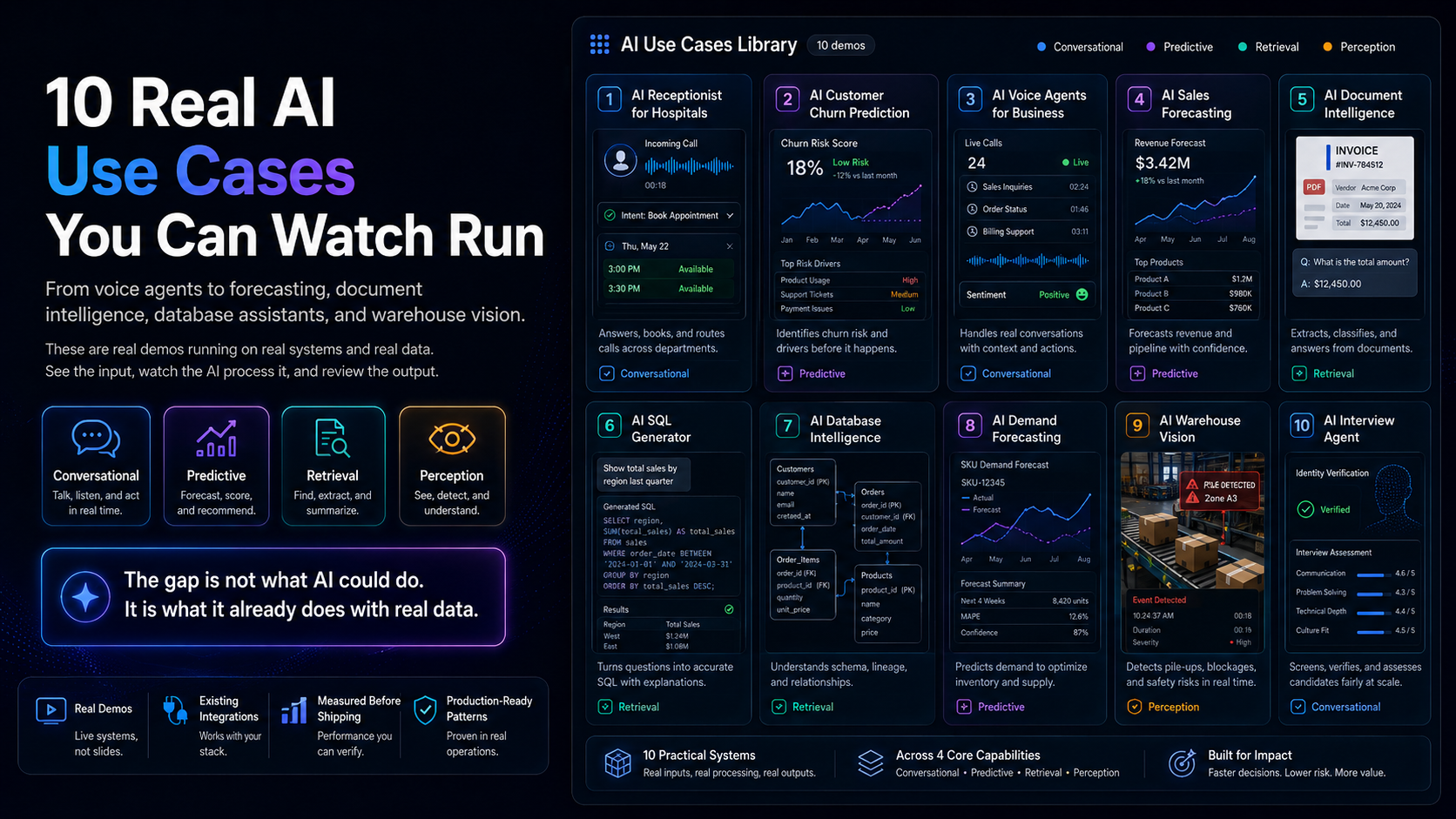
AI SQL Generator: How Text-to-SQL Works, With a Live Demo

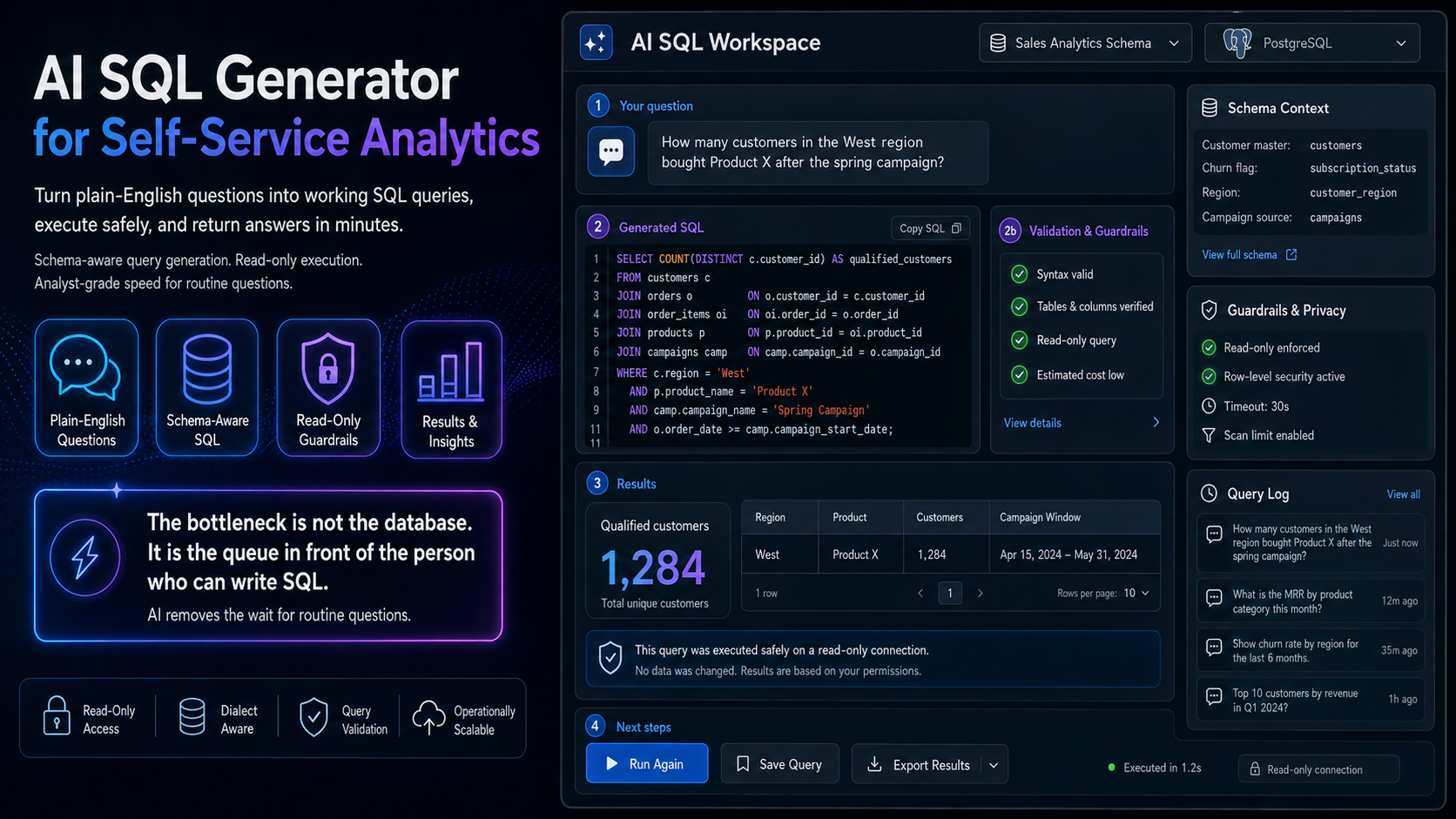
In most companies, the bottleneck in analytics is not the database. It is the queue in front of the person who can write SQL.
A manager wants to know how many customers in one region bought a particular product after a campaign. That is a five-minute query for an analyst. But the analyst has a backlog, so the request waits three days, by which point the decision has either been made without the data or has stopped mattering.
An AI SQL generator removes that queue for routine questions. This article covers how it works, why the schema matters more than the model, and the guardrails you need before letting it near a production database.
Watch the demo
The demo shows a plain English question converted into a working SQL query against a real schema, executed, and returned as results.
The problem it solves
The cost of the analyst bottleneck is not the analyst’s time. It is the decisions that get made without evidence because the evidence was inconvenient to obtain.
There are two failure modes, and most organisations have both. Simple questions consume expensive analyst time that should go to complex work. And questions that are not worth waiting three days for simply never get asked, which means a whole category of routine curiosity about the business goes unexplored.
Self-service BI tools were supposed to solve this. They partly did, for questions that fit a pre-built dashboard. The questions that matter are usually the ones nobody anticipated when the dashboard was designed.
How text-to-SQL works
1. Understand the schema
The system needs to know your tables, columns, types, and how tables relate. This is the foundation, and it is where quality is won or lost. A model with a rich understanding of the schema writes good queries. A model guessing at what an abbreviated column name means does not.
2. Interpret the question
The user’s question is mapped onto that schema. “How many customers churned last quarter” requires knowing which table holds customers, which field indicates churn, how your fiscal quarters are defined, and what your organisation means by churn. Much of this is business context rather than database structure.
3. Generate the query
The model writes SQL in your dialect, since Postgres, MySQL, BigQuery, and Snowflake differ in meaningful ways.
4. Validate before execution
A good system checks the query before running it: is the syntax valid, do the referenced tables and columns exist, and is this a read operation. Skipping this step is how accidents happen.
5. Execute and explain
Results are returned alongside the query itself, so a user who can read SQL can verify the logic, and one who cannot can at least see what was asked of the database.
Why the schema matters more than the model
The single biggest determinant of text-to-SQL quality is not which model you use. It is how well documented your database is.
Databases that have grown over years accumulate columns whose names made sense to someone in 2019, flags nobody remembers setting, and three tables that all look like they hold customers. A human analyst navigates this using tribal knowledge. The model has no tribal knowledge, only what you supply.
The practical implication is that the highest-value preparation is documenting your schema: what each table holds, what important columns mean, which is the authoritative customer table, and how core business terms map to fields. Teams that skip this and blame the model are usually solving the wrong problem.
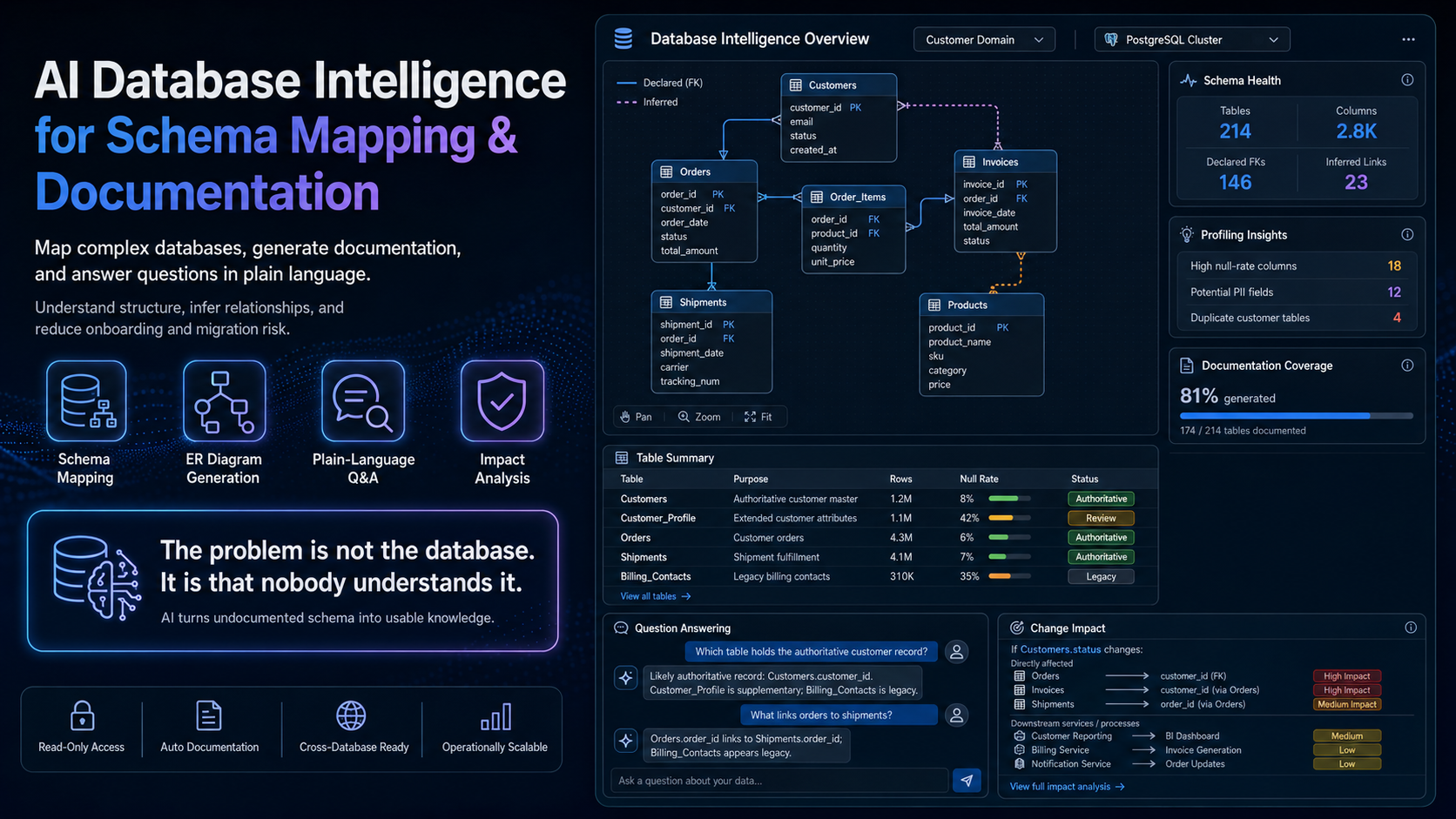
If your schema is genuinely opaque, AI database intelligence covers systems that map and document a database before querying it.
Guardrails you need before production
This is the section to read twice, because a query generator with database access is a system that can do damage.
Read-only access, always. The account the system uses should have no write, update, or delete permissions. This is non-negotiable and it makes an entire class of disasters structurally impossible.
Row-level permissions. The system must respect who is asking. If a regional manager should only see their region, that has to be enforced at the data layer, not by hoping the generated query includes the right filter.
Query cost limits. A naive query against a large table can be expensive, particularly on consumption-priced warehouses. Set timeouts and scan limits.
Show the query. Always surface the SQL alongside the answer. This is how mistakes get caught, and it builds the literacy that makes users better at asking.
Log everything. Every question and generated query should be logged, both for audit and because the log tells you which questions people actually have.
Where it fails
Ambiguous business terms. “Active customer” might mean logged in this month, has a live subscription, or has purchased this year. The model picks one interpretation and looks confident. Define your key terms explicitly and supply those definitions.
Complex multi-step analysis. Questions requiring several dependent steps, window functions over multiple partitions, or genuinely intricate joins remain hard. These are still analyst work.
Silently wrong answers. This is the real risk. A query can be valid SQL, execute cleanly, return a plausible number, and answer a subtly different question than the one asked. There is no error message for this. It is why showing the query matters, and why high-stakes numbers should still be verified.
Undocumented conventions. Soft deletes, test records left in production, and duplicate entities are invisible to the model unless you tell it. It will happily count deleted rows.
What deployment looks like
Three to six weeks.
Week 1. Choose a bounded set of tables, ideally a well-understood analytics schema rather than the whole production database. Document them properly.
Week 2. Build the evaluation set: real questions with known correct answers, verified by an analyst. This is the standard you measure against.
Weeks 3 to 4. Build, including the permission model and validation layer, testing against the evaluation set.
Week 5. Pilot with a small user group. Their real questions will differ from anything you anticipated.
Week 6. Tune, expand the schema documentation where questions failed, and decide about wider rollout.
How to judge whether it is worth it
Look at your analyst request queue. What share are routine lookups that could be answered by a well-formed query against known tables? In most organisations, it is a substantial majority. That share, multiplied by the wait time it removes, is the return.
The second return is harder to quantify and often larger: the questions that currently do not get asked at all. Our framework for measuring AI ROI covers how to build that case.
Related use cases
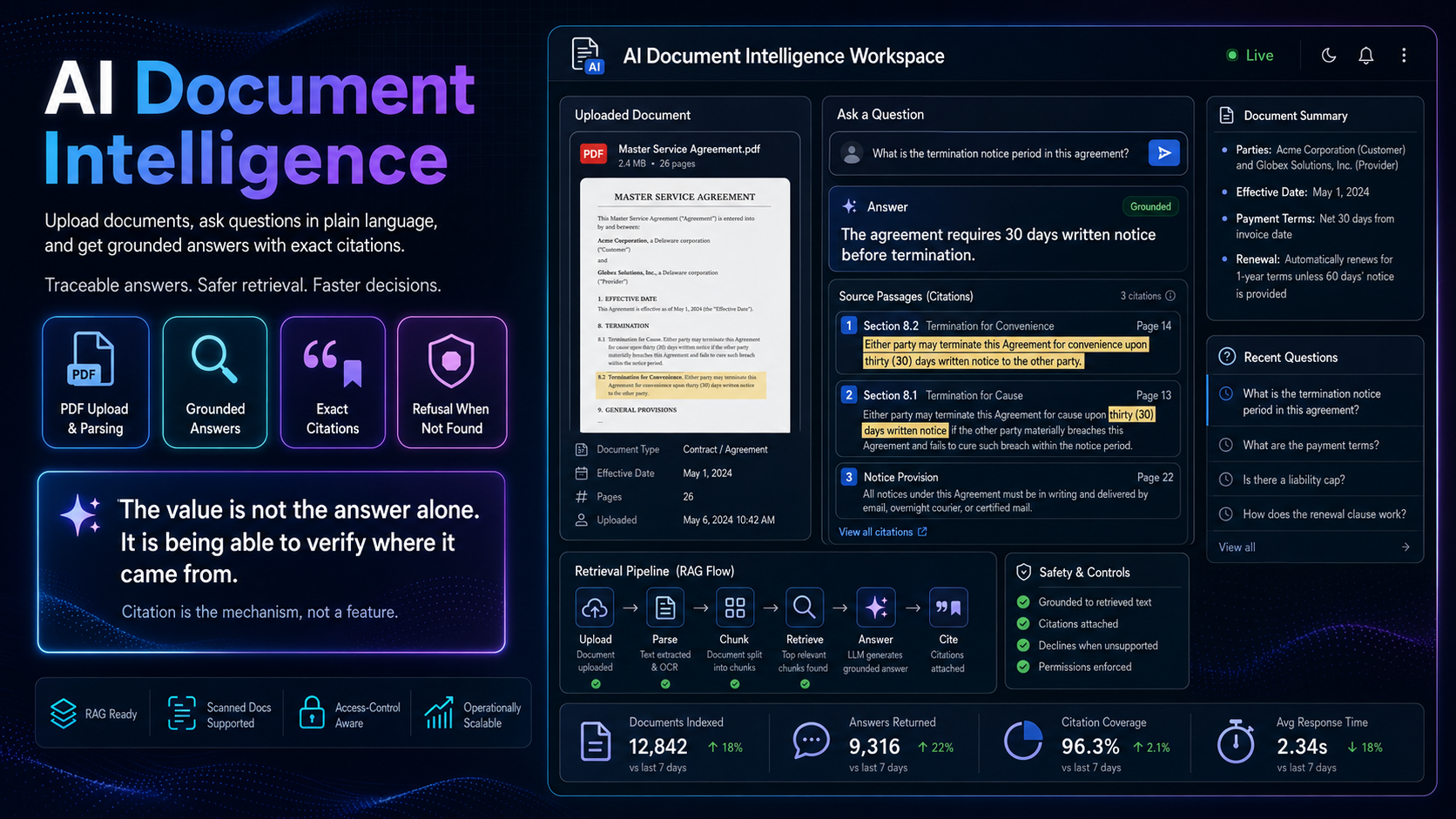
AI database intelligence is the natural companion, mapping and explaining a database rather than just querying it. For questions about documents rather than structured data, see AI document intelligence.
Browse everything in our AI use cases library.
Frequently asked questions
Can it damage our database?
Not if it is deployed correctly. Use a read-only account with no write permissions. That constraint should be enforced at the database level rather than in application logic.
Which databases does it support?
The common relational engines including Postgres, MySQL, SQL Server, and cloud warehouses such as BigQuery, Snowflake, and Redshift. Dialect differences are handled during generation.
Do users need to know SQL?
No, though showing them the generated query tends to build literacy over time, which is a useful side effect.
How accurate is it?
On a well-documented schema with clearly defined business terms, accuracy on routine questions is high. On an undocumented legacy schema, it drops sharply. The variable is your documentation, not the model.
Does it work on our production database?
It can, through a read replica. Pointing it at a warehouse or replica rather than a live transactional database is the safer and usually faster pattern.
How does it handle permissions?
Row-level security must be enforced at the data layer, so users only ever receive results they are entitled to see. Do not rely on the generated query including the right filter.
AINinza is the AI practice of Aeologic Technologies, backed by over a decade of enterprise engineering. If routine data questions queue behind your analysts, we are happy to talk through what a safe text-to-SQL deployment would look like on your schema.